
What's new—December 2025
This update was published in December 2025 and includes several enhancements listed on this page.
Comparing nets
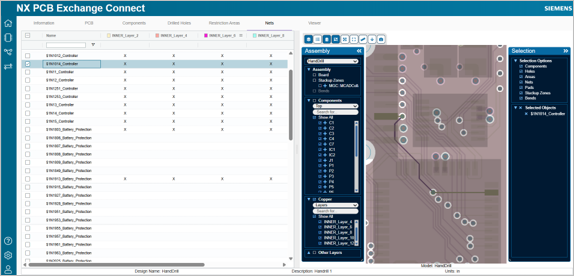
You can now compare nets between two designs directly in NX PCB Exchange Connect. You can also review the net changes in the viewer using the collaboration history functionality.- By nets—highlights every layer where a specific net is modified.
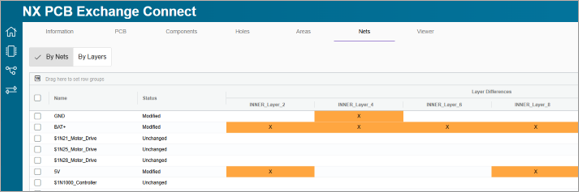
- By layers—reports all nets modified on a specific layer.
Visualizing design variants
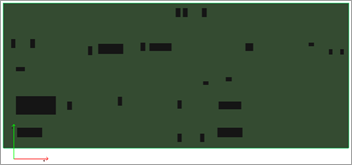
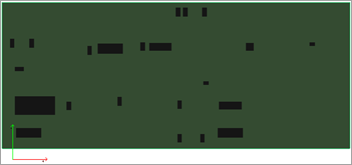
You can now examine various assembly arrangements when design variants are present in the IDX baseline file.
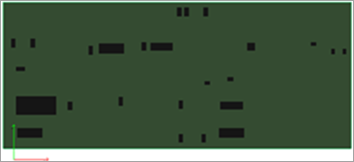
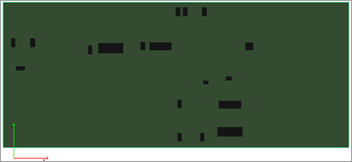
When using the split layout setting on the Components tab, the viewer and interactive table allow you to dynamically examine different arrangements of placed and unplaced components. You can switch between design variants to explore how each arrangement influences the design, and the interactive table automatically filters components to reflect the selected variant. This makes it easy to perform direct comparisons of configuration decisions and evaluate how variant-specific changes affect the end product.
|
|
|
|
Viewing copper data from external files
When using, NX PCB Exchange Connect with Teamcenter and Active Workspace integration, you can now import external IDX files containing copper data such as nets and layers. This file is not used for collaboration, and can only be used from ECAD to MCAD software.